Jev in production › Search, ranking and matching
Jevfill
Chrome extension that sends a page's form-field context and plain-text notes to Jev, which matches each field to the best note line above a confidence threshold before filling it; password and payment fields are never sent.
- Use
- Search, ranking and matching
- Industry
- Productivity
- Form
- Open-source tool
- Stage
- Beta
- Plugs into
- Chrome
- Listed
- 2026-09-21
- Found via
- github
- Repository
- imohitmayank/jevfill
- Stars
- 20
- Forks
- 0
- Last push
- 2026-09-20
- Language
- TypeScript
- License
- MIT
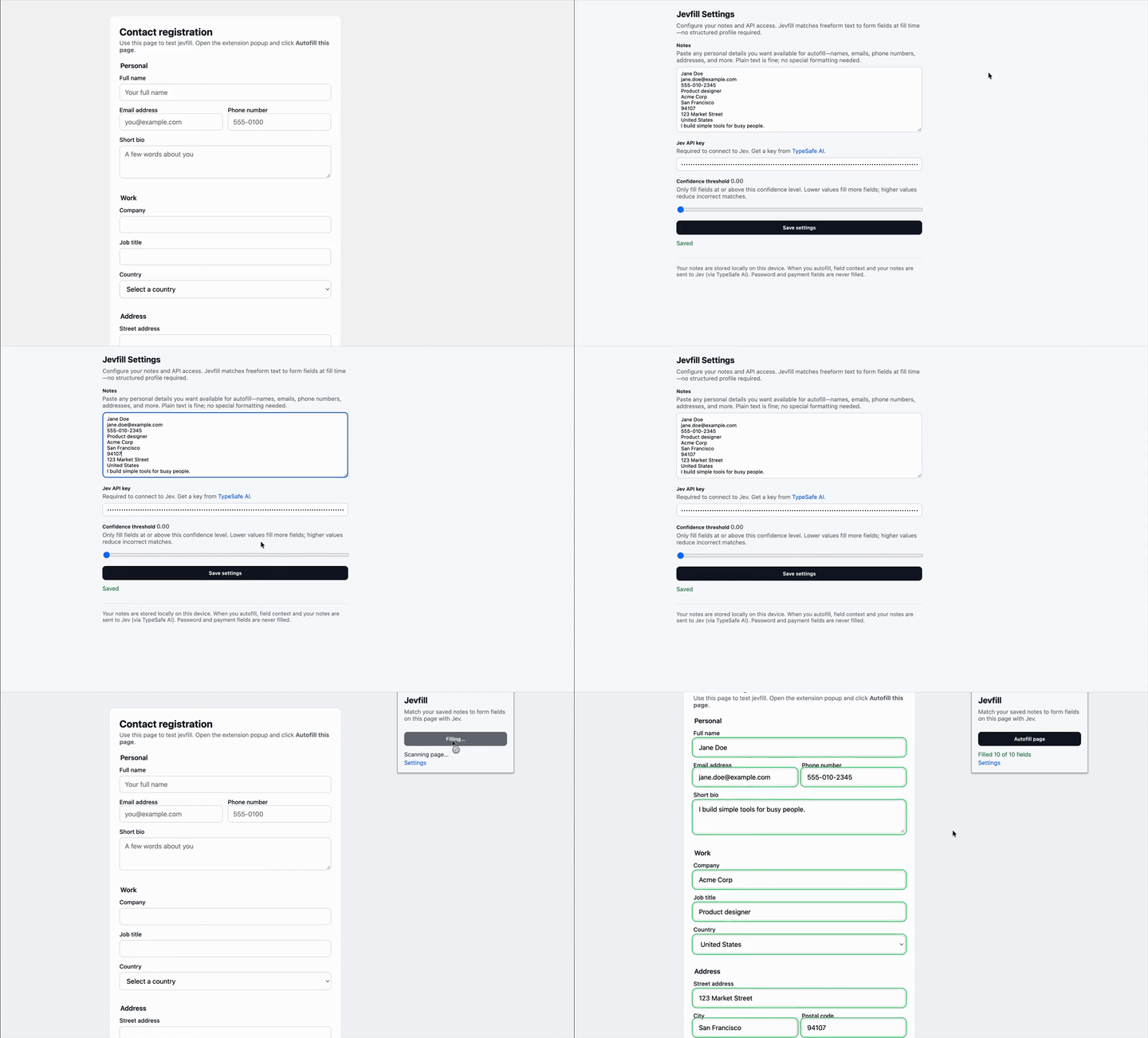
The README opens with
Chrome extension that autofills web forms from unstructured notes with Jev (by TypeSafe AI). Paste your details once as plain text — no structured profile required — then fill forms on demand.
1. Paste your personal details into the notes field in extension settings. 2. Open a page with a form and click Autofill page in the extension popup. 3. Jev matches each form field to the best line from your notes and fills it in. 4. Filled fields are briefly highlighted so you can review before submitting.
Badge
For the project's own README, linking back here:

Also used for search, ranking and matching
- jegrep $0.01–0.03
- pi-web-search ~2k free uses/month
- Jev Graph Search 81.8%
- Jev RAG 0.444
- oko (bartlomein) 13–44% fewer tokens
- jevsearch 83%
- GStars 1500
- askgrep $0.0049